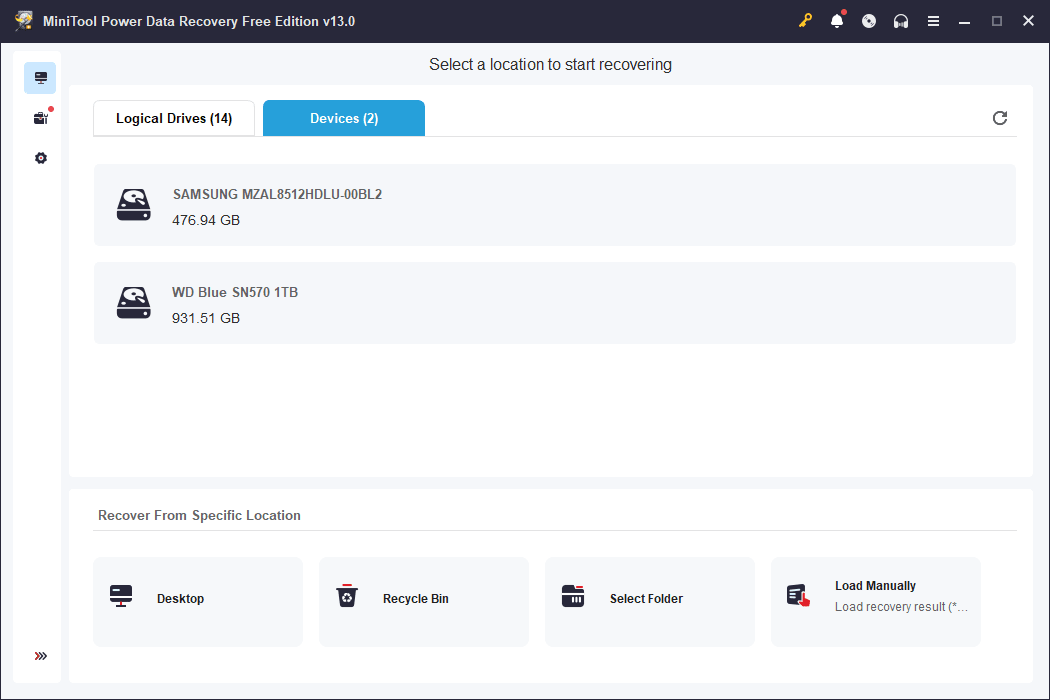
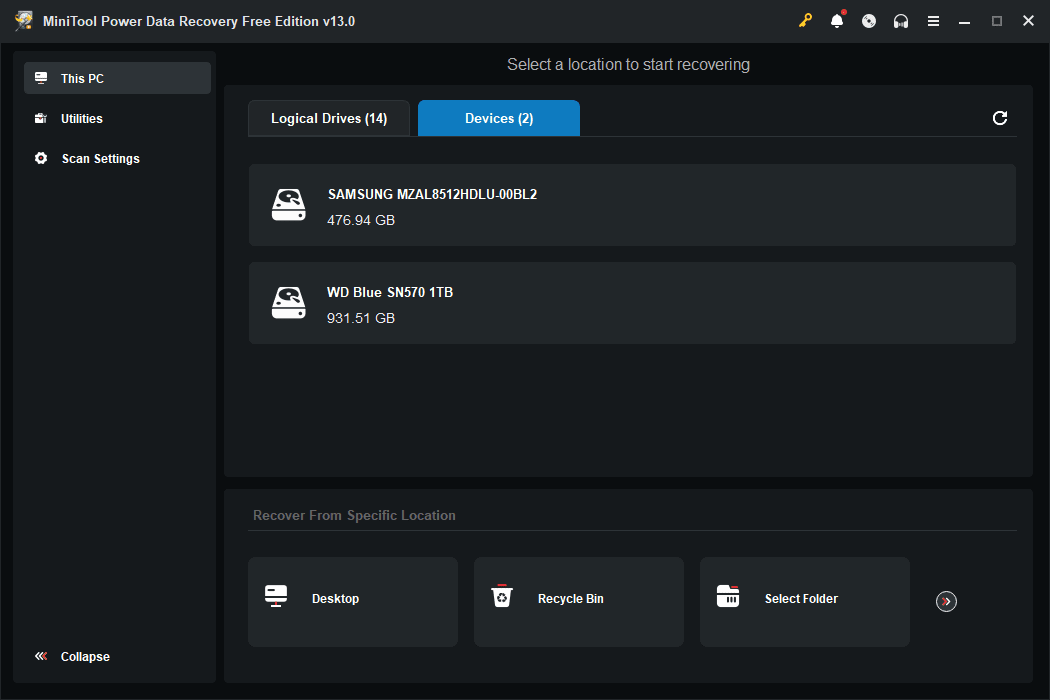
Accidentally deleting important files is a quick way to induce panic, making a reliable recovery tool essential. MiniTool Power Data Recovery targets these exact scenarios. It helps you rescue lost, deleted, or corrupted files from almost any storage medium, including hard drives, solid-state drives, external drives, and SD cards.
While it skips advanced forensic features, it excels as a straightforward solution. Everyday users can rescue missing data without navigating overly complex interfaces or enterprise-grade settings.
Scanning and recovery performance
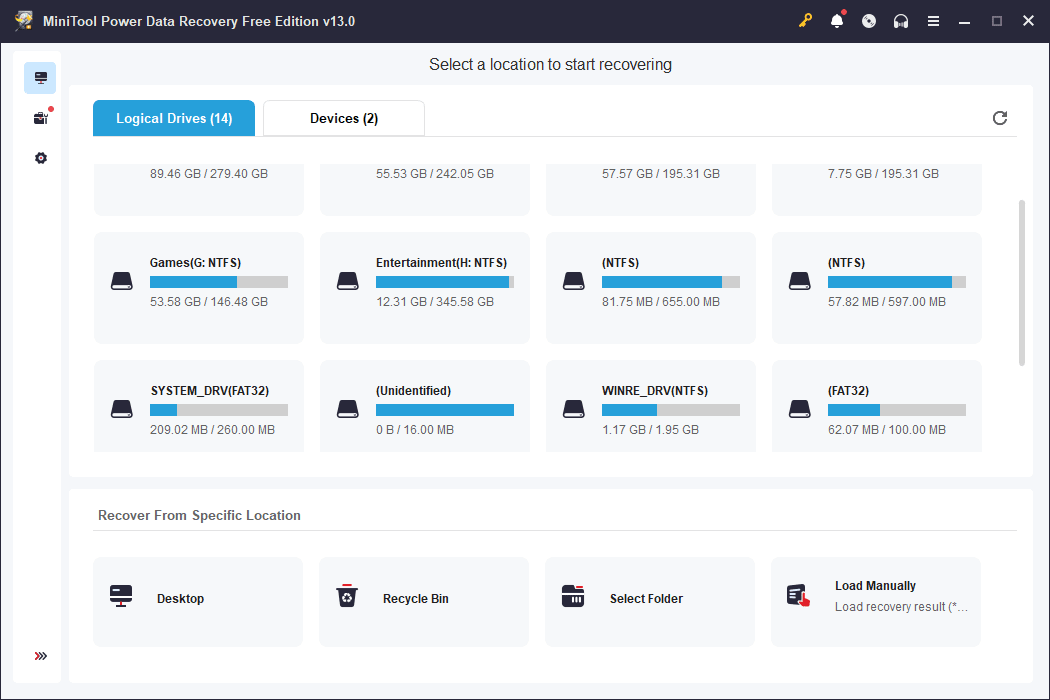
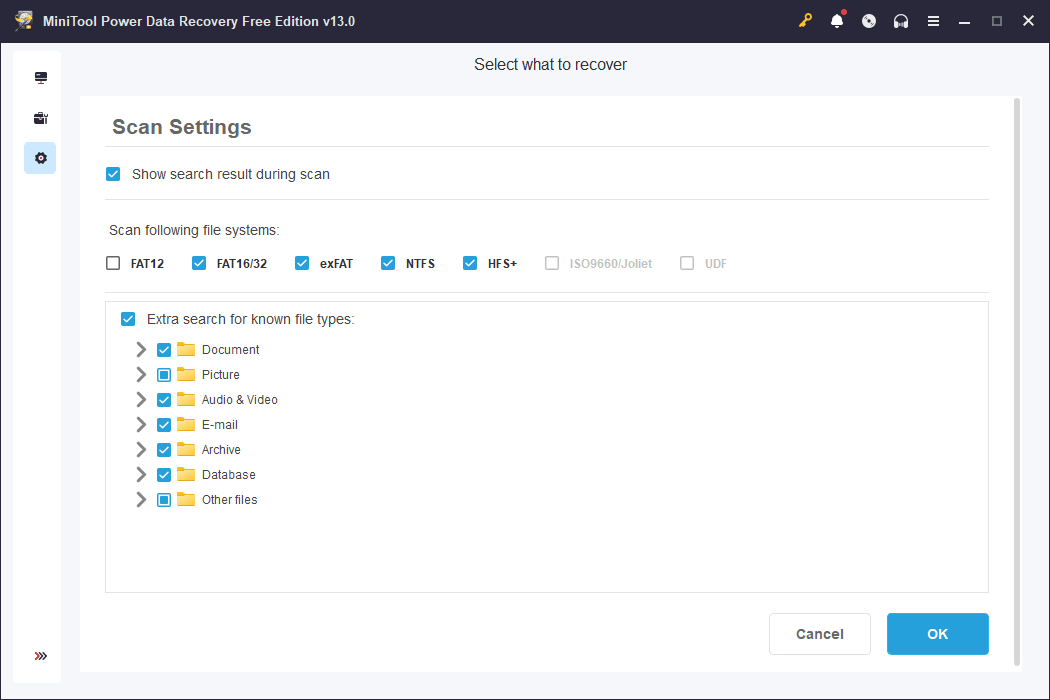
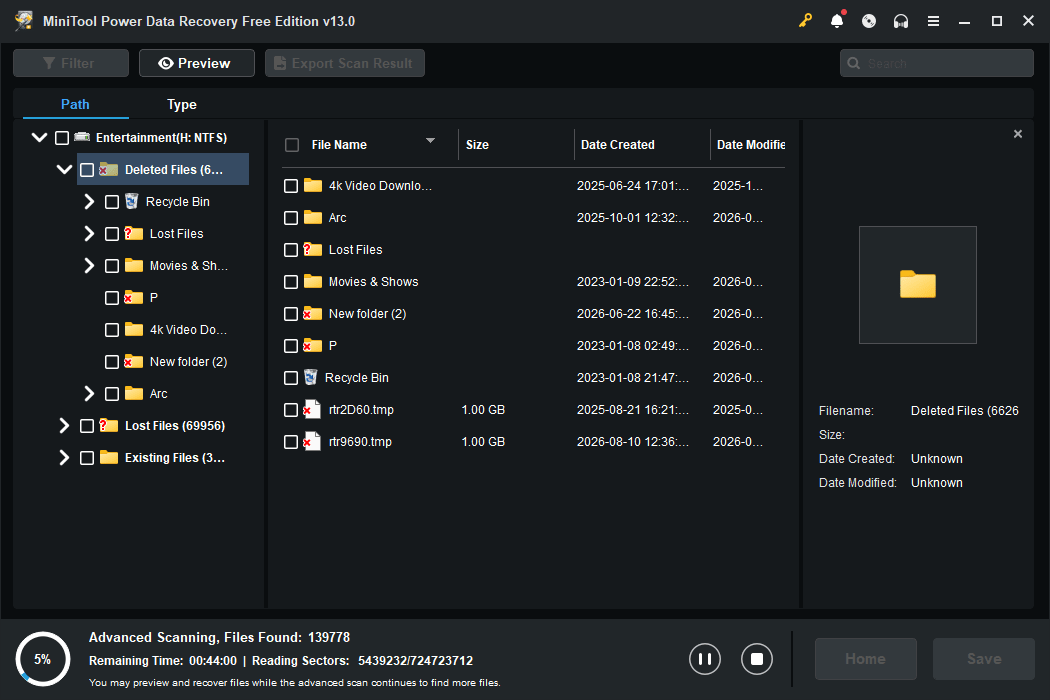
The software reliably locates lost data across common Windows file systems like NTFS, FAT32, and exFAT. For recently deleted files, the recovery success rate remains high. Older, overwritten data yields lower success rates, which is standard across the data recovery industry.
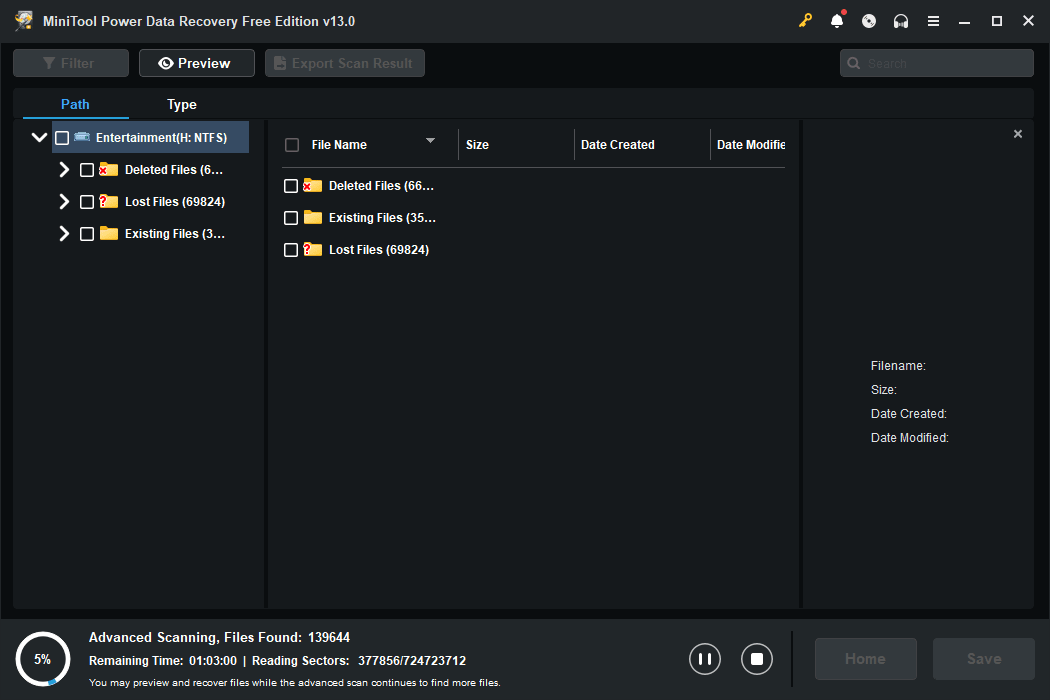
The targeted location scan stands out as a major time-saver. You can point the tool directly at a specific folder, the Desktop, or the Recycle Bin instead of scanning an entire drive. Full deep scans are a different story. Expect longer wait times, as the engine runs noticeably slower than some premium competitors.Interface and bootable media
The interface shares the simple layout found in other MiniTool applications. It feels slightly dated, but for a utility focused entirely on data recovery, functional design rightfully takes priority over modern aesthetics.
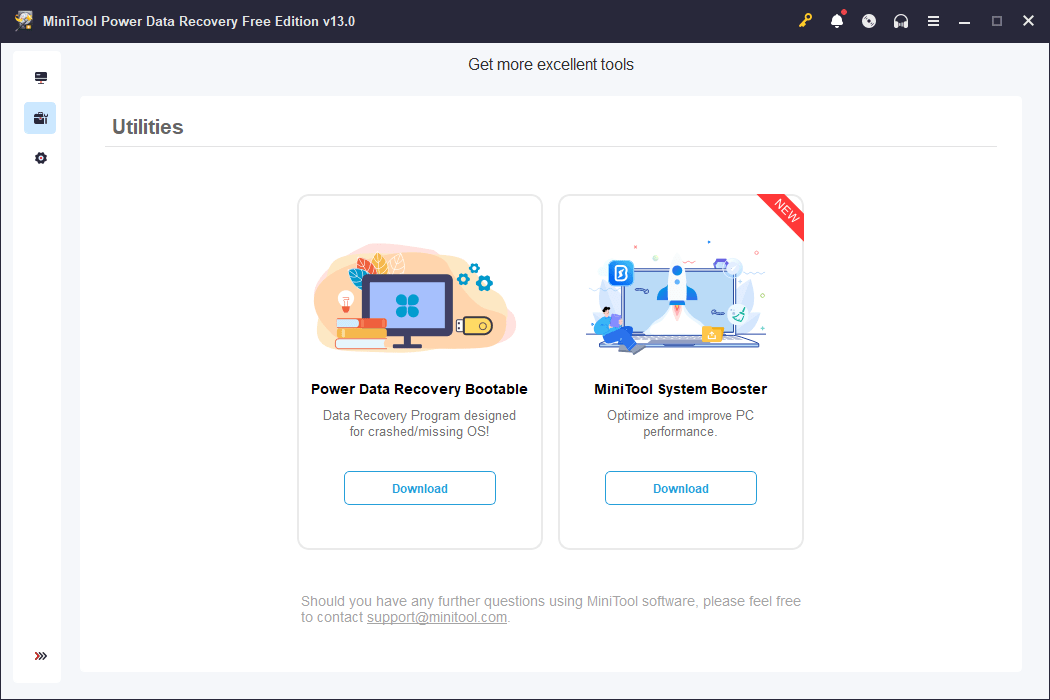
For severe emergencies where your PC refuses to boot after an OS crash or malware attack, the paid versions include a WinPE bootable media builder. You can create a rescue USB drive on a working computer, plug it into the compromised PC, and run the recovery environment completely outside of Windows.Pricing and availability
MiniTool Power Data Recovery operates on a freemium licensing model, offering a free tier that allows you to recover up to 1 GB of data. This cap works perfectly for rescuing a handful of documents or photos, but recovering large video archives or entire partitions requires a paid upgrade.
Paid options range from subscription-based licenses to a perpetual one-time purchase. Since the final cost depends on the tier chosen or active promotions, you should check the official website for current rates.A solid safety net for everyday data loss
This is not the fastest or flashiest utility on the market, but it performs its core job reliably. If you are dealing with standard file loss and need a simple tool, the 1 GB free allowance makes this a highly practical, risk-free first response.